



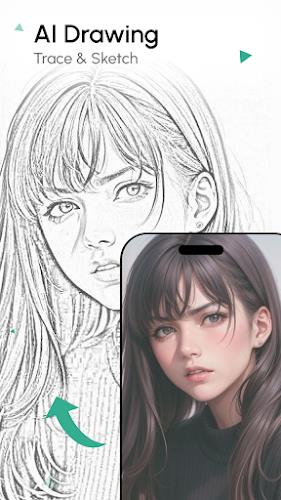
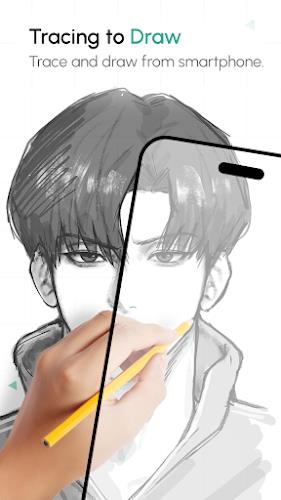
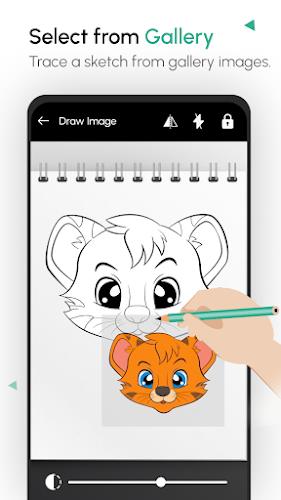
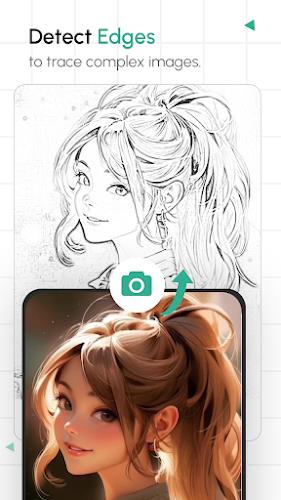
AI Drawing : Trace & Sketch is a practical tool for anyone who wants to turn photos into hand-drawn art and build basic sketching skills. The app centers on a tracing workflow that overlays a chosen image so you can follow lines directly on paper — no prior lessons required. You can pick from built-in object collections or import a photo from your camera or gallery, adjust brightness and contrast, lock the screen, then mount your device and trace. The result is a straightforward way to practice proportion, line work and shading using real-world materials guided by a digital reference.
Gameplay and Core Experience
The core experience of AI Drawing : Trace & Sketch is deliberate and tactile. Start by selecting an image from the app’s object library or load one from your camera roll, then crop and stretch it to fit your workspace. Adjust orientation, toggle the flashlight and tweak contrast so only the main lines show. Lock the screen to keep the image steady, place your phone on a glass or tripod with paper underneath, and trace the visible contours. After tracing, you can add color and photograph your finished piece to save or share. The app doesn’t auto-draw for you; it acts as a stable, customizable guide while you develop manual drawing skills.
Key Features
The tracing-based learning method gives beginners a low-barrier way to understand line placement and shape. Following printed lines builds confidence and helps users see how complex forms break down into simpler strokes.
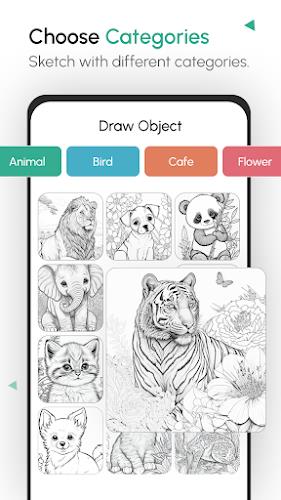
Collections of objects provide ready-made subjects to practice with. Choose from categories such as animals, birds, cafes, flowers, fruits, holiday themes, shapes and vegetables to keep practice varied and engaging.
Image import and basic editing tools let you work with your own photos. Use the camera or gallery import, then crop, stretch or rotate the image so it aligns with your paper and workspace.
Adjustable lighting and contrast controls make it easier to isolate contours. A flashlight toggle and contrast slider help create a clean line image that’s simple to trace under different lighting conditions.
The lock screen feature is designed for stability while you trace. Once the image is positioned, locking the display prevents accidental changes so you can focus on steadying your hand and following the reference lines.
Finished sketches can be colored and preserved. After completing a tracing on paper you can capture the result to your device and share it with friends or save it for a practice log.
Visual Style and Atmosphere
The app produces clear, high-contrast references rather than stylized filters, so the output feels like a blueprint for drawing rather than a finished digital artwork. That keeps the emphasis on manual techniques: pencil strokes, shading and texture you add by hand. Because you’re working with real paper and tools, the experience is more intimate and tactile than painting on a screen. The simplicity of the on-screen presentation helps keep attention on the lines you’re tracing, making practice sessions calm and methodical.
Conclusion
For newcomers who want a guided, hands-on way to learn sketching, AI Drawing : Trace & Sketch offers a no-frills tracing approach that focuses on practice and repetition. It’s useful as a training aid for proportion and line work, and its simple toolset makes it easy to set up and start drawing right away.
Category: Tools Publisher: File size: 10.66M Language: English Requirements: Android Package ID: com.bhukoma.aidrawsketch.tracesketch.paint





















