




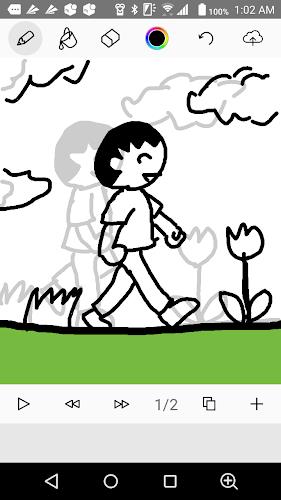
Anime Maker is a straightforward animation app that turns touch sketches into frame-by-frame flipbook animations and makes it easy to share finished pieces online. The interface provides basic drawing tools—brush, eraser and a fill option—plus simple frame controls so beginners and hobbyists can produce short animated sequences without complex software.
Key Features
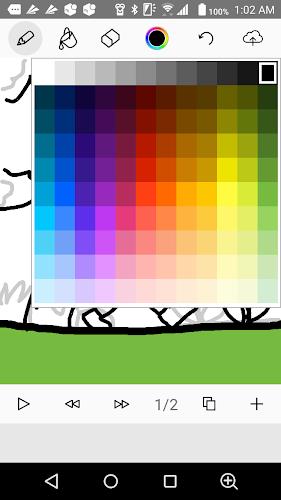
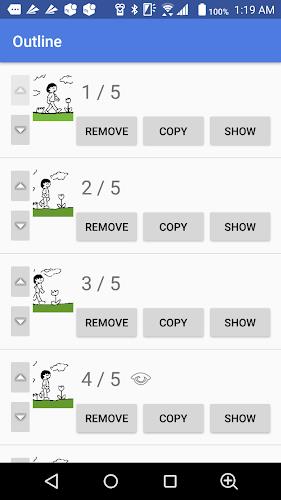
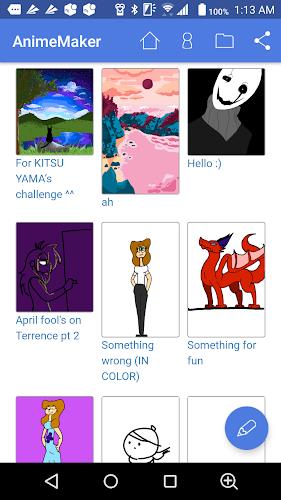
Draw directly with touch using a responsive brush and eraser, choose brush width and colors and use a fill tool for solid areas. Build frame-by-frame flipbook animations with options to add, remove, duplicate and reorder frames, adjust playback speed to fine-tune timing and preview loops in real time. Save projects locally or use the one-tap save/upload workflow to publish and share work; published pieces can receive comments from others. In Anime Maker these core tools are arranged to keep the workflow quick and approachable.
Advantages
Anime Maker offers an intuitive interface that helps beginners start animating quickly and a lightweight toolset focused on core flipbook workflows to keep the learning curve low. Fast frame manipulation—duplicate, remove and reorder—speeds up iteration, and simple save and upload options make sharing and receiving feedback straightforward.
Disadvantages
The app is focused on flipbook-style frame animation and does not provide advanced timeline or layer-based editing for complex projects. Its feature set is more basic compared with professional animation suites, so power users may find the tools limited. Publishing requires uploading to the app's online service, which may not suit users who prefer local-only workflows.
Category: Lifestyle Publisher: File size: 30.09M Language: English Requirements: Android Package ID: kenmaz.net.animemaker





















