



Miracast for Screen Mirroring
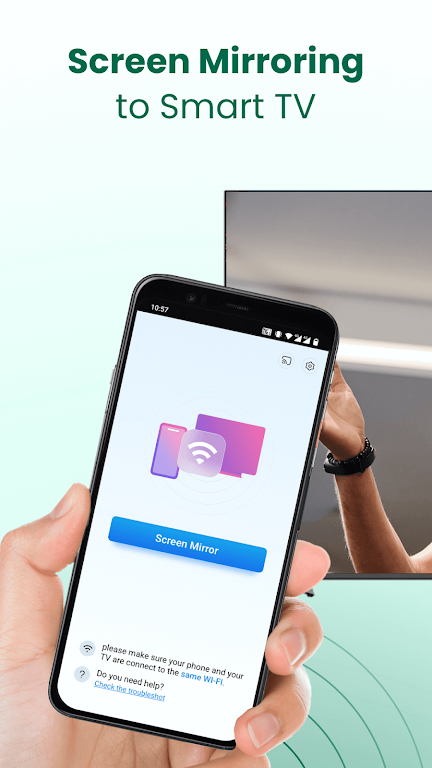
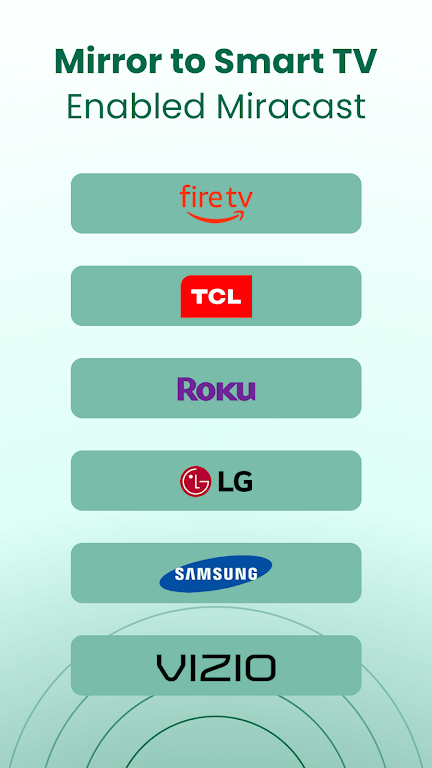
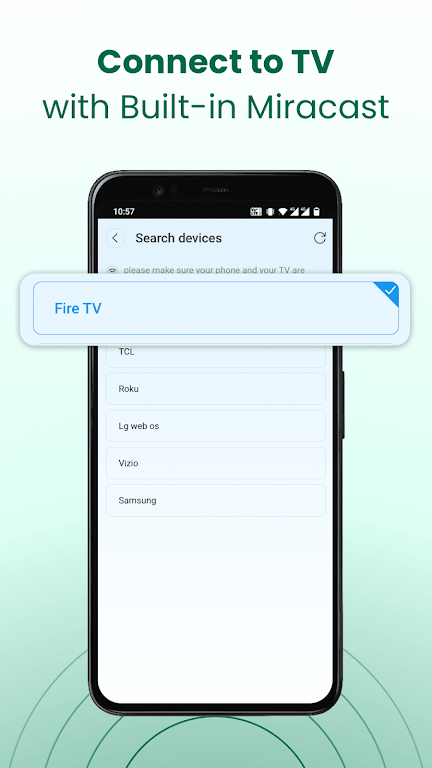
Miracast for Screen Mirroring lets you share your Android phone or tablet screen to a Miracast-compatible smart TV over your local Wi‑Fi network. The app enables streaming of music, videos, photos, and real-time gameplay on a larger TV display. It works with many smart TVs that support the Miracast protocol (for example, Fire TV, LG, Roku, Samsung, Panasonic, TCL, Hisense, Sony, Vizio). To connect, make sure both devices are on the same Wi‑Fi network, enable Miracast or wireless display on the TV, and select the wireless display option on your Android device.
Features
Simple screen mirroring of Android phones and tablets to Miracast-enabled smart TVs using Wi‑Fi.
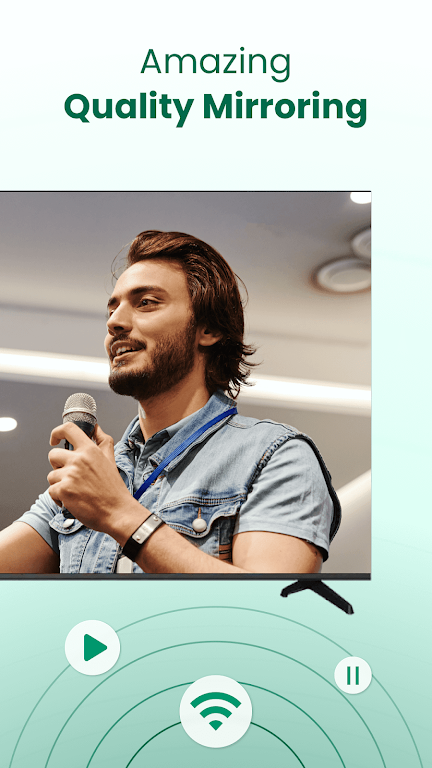
Stream music and videos, view photos, and enjoy games on a larger TV screen.
Fast and stable screen sharing designed to minimize latency for smoother playback and gameplay.
Support for common media types including video, audio, and images.
Display presentations and documents on a TV for meetings or group viewing.
Troubleshooting tips: confirm both devices are on the same network, enable Miracast on the TV, try restarting the app or the TV, or reinstall the app if connection issues persist.
Miracast for Screen Mirroring is a convenient tool for casting your Android device screen to a compatible smart TV so you can enjoy media and share content on a larger display.
Phân loại: Công cụ Nhà phát hành: BoostVision Kích thước tập tin: 51.51M Ngôn ngữ: Việt Nam Yêu cầu: Android Gói ứng dụng ID: com.boost.mirror.sender

Đề xuất













